OpenCode Custom Provider Setup: Base URL, API Key, and Model Configuration
Learn how to configure an OpenCode custom provider with a compatible API base URL, API key, and model ID. Includes JSON configuration, environment variables, testing, and troubleshooting.
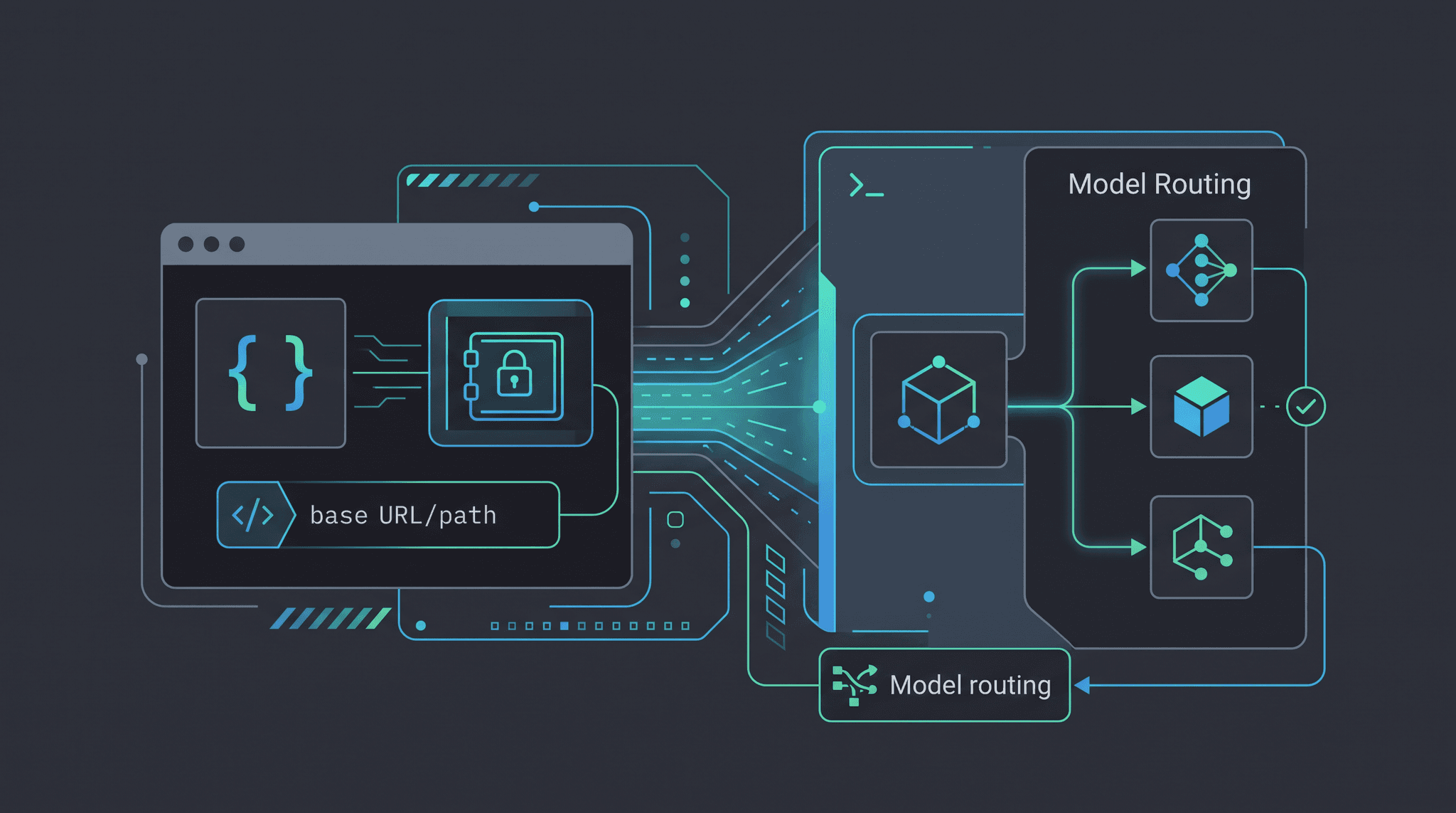
An opencode custom provider lets you connect OpenCode to a compatible model gateway instead of relying only on the providers discovered by the default directory. The practical configuration has four parts: a provider ID, the @ai-sdk/openai-compatible package, a baseURL, and an API key. You then add the model IDs that OpenCode should show in its model picker.
This guide configures OpenCode with OurToken through an OpenAI-compatible endpoint. It covers the project config file, environment-variable secrets, model aliases, a raw API smoke test, model selection, and the failure modes that most often make a provider disappear or return model_not_found. The examples are based on the OpenCode Providers documentation, the OpenCode Config documentation, and the current OurToken OpenCode Custom Provider guide.
OurToken supplies the gateway details; your OpenCode installation supplies the local agent interface. Keep the OurToken API Keys page available for the credential and check the OurToken model directory before choosing model IDs. Model availability and pricing can change, so treat the live model page as the final source of truth.
Verification status: The configuration shape was checked against OpenCode's public provider and config documentation and the OurToken guide on 2026-08-10. The request examples require your own API key and were not executed with a private credential in this draft.
OpenCode Custom Provider Configuration
OpenCode uses a JSON or JSONC configuration file. The official provider configuration supports a custom provider name, an npm implementation, provider options, and a model map. For an OpenAI-compatible /v1/chat/completions service, use @ai-sdk/openai-compatible.
The request path should look like this:
OpenCode agent
  -> provider.<id>
  -> @ai-sdk/openai-compatible
  -> https://api.ourtoken.ai/v1
  -> /chat/completions
  -> selected OurToken model
Do not put /chat/completions in baseURL. OpenCode and the provider package append the operation path. OurToken's current guide likewise specifies the exact base URL https://api.ourtoken.ai/v1 and warns against appending another API path.
Choose the configuration location
For a project-specific provider, create opencode.json in the project root. OpenCode also supports a global config at ~/.config/opencode/opencode.json, a custom path through OPENCODE_CONFIG, and JSONC if you want comments. A project file is usually the easiest starting point because it keeps the provider close to the codebase that needs it.
Do not commit a real key. The config can be committed when it uses environment-variable interpolation, but the secret itself must stay in the shell, a secret manager, or an ignored local file.
On macOS or Linux:
export OURTOKEN_API_KEY="paste-your-key-locally"
On Windows PowerShell:
$env:OURTOKEN_API_KEY = "paste-your-key-locally"
OpenCode supports {env:VARIABLE_NAME} substitution in configuration values. If the variable is missing, the value becomes empty, so a missing key can look like an authentication failure later in the request.
Minimal opencode.json example
The following example defines one custom provider and three model IDs. Replace a model ID only with a value shown on an accessible OurToken model page or returned by the gateway's model listing.
{
  "$schema": "https://opencode.ai/config.json",
  "provider": {
    "ourtoken": {
      "npm": "@ai-sdk/openai-compatible",
      "name": "OurToken",
      "options": {
        "baseURL": "https://api.ourtoken.ai/v1",
        "apiKey": "{env:OURTOKEN_API_KEY}"
      },
      "models": {
        "gpt-5.6-terra": {
          "name": "GPT-5.6 Terra"
        },
        "deepseek-v4-flash": {
          "name": "DeepSeek V4 Flash"
        },
        "glm-5.2": {
          "name": "GLM 5.2"
        }
      }
    }
  }
}
The provider ID is ourtoken; it is the internal namespace, not an API model ID. The display name is what users see in OpenCode. The keys under models must match the model IDs sent to the gateway. Keeping the provider ID stable makes it easier to add or remove models without changing the rest of the configuration.
If you want to keep the key outside the main file, use a file reference instead:
{
  "provider": {
    "ourtoken": {
      "npm": "@ai-sdk/openai-compatible",
      "name": "OurToken",
      "options": {
        "baseURL": "https://api.ourtoken.ai/v1",
        "apiKey": "{file:~/.secrets/ourtoken-api-key}"
      },
      "models": {
        "deepseek-v4-flash": {
          "name": "DeepSeek V4 Flash"
        }
      }
    }
  }
}
Make the secret file readable only by your user account where your operating system supports file permissions. Never paste the key into a repository, screenshot, issue, or public config example.
Add Models and Test the Connection
A provider can appear in the configuration while a model still fails. OpenCode needs the model map key to match the ID expected by the endpoint, and the API key needs permission to use that route. Test the layers in order.
Add model limits when needed
OpenCode can use model limits to understand how much context and output a model accepts. This is useful when the provider does not publish those values through its standard directory or when you want a conservative application limit.
{
  "provider": {
    "ourtoken": {
      "npm": "@ai-sdk/openai-compatible",
      "name": "OurToken",
      "options": {
        "baseURL": "https://api.ourtoken.ai/v1",
        "apiKey": "{env:OURTOKEN_API_KEY}"
      },
      "models": {
        "deepseek-v4-pro": {
          "name": "DeepSeek V4 Pro",
          "limit": {
            "context": 250000,
            "output": 8192
          }
        }
      }
    }
  }
}
Only add limits that you have verified for the selected route. A local limit that is too high can let OpenCode construct requests the model cannot accept; a limit that is too low can waste available context. When the live model page or provider documentation changes, update this block together with the model ID.
Verify with raw HTTP first
Before debugging the OpenCode UI, call the same endpoint with cURL. This isolates the credential, base URL, model ID, and basic request shape.
On macOS or Linux:
curl https://api.ourtoken.ai/v1/chat/completions \
  -H "Content-Type: application/json" \
  -H "Authorization: Bearer $OURTOKEN_API_KEY" \
  -d '{
    "model": "deepseek-v4-flash",
    "messages": [
      {"role": "user", "content": "Reply with one short sentence."}
    ],
    "max_tokens": 80
  }'
On Windows PowerShell:
$headers = @{
  Authorization = "Bearer $env:OURTOKEN_API_KEY"
  "Content-Type" = "application/json"
}
$body = @{
  model = "deepseek-v4-flash"
  messages = @(
    @{ role = "user"; content = "Reply with one short sentence." }
  )
  max_tokens = 80
} | ConvertTo-Json -Depth 5

Invoke-RestMethod `
  -Uri "https://api.ourtoken.ai/v1/chat/completions" `
  -Method Post `
  -Headers $headers `
  -Body $body
A successful response should contain a normal assistant message. The exact usage fields can vary by route, so log the response during a test rather than assuming every model returns identical metadata.
If cURL or PowerShell returns 401, check the key and the Authorization: Bearer header. If it returns 404 or a model error, check the base URL and the exact model ID. If the raw request succeeds but OpenCode does not, the problem is likely in the config path, provider package, or model map.
Select the provider in OpenCode
After saving opencode.json, restart OpenCode or reload the project configuration. Use the model picker and look for the provider display name OurToken. The available entries should include the model display names from the models map.
The expected flow is:
1. Open the project containing opencode.json.
2. Confirm the OurToken provider appears.
3. Select a model listed under provider.ourtoken.models.
4. Send a short test prompt.
5. Confirm a response before testing a large repository task.
Do not start with an expensive or very long coding task. A short prompt is easier to inspect, and it prevents a configuration error from consuming unnecessary tokens.
Model Names, Aliases, and Provider Troubleshooting
An OpenCode custom provider is easiest to maintain when the provider namespace and model IDs are treated as separate concerns. The namespace describes the gateway. The model key describes the route. The display name describes the human-facing option.
Use stable model choices
A compact model map can expose different routes for different workloads:
| Model ID | Display name | Starting use case |
|---|---|---|
deepseek-v4-flash | DeepSeek V4 Flash | quick edits, summaries, low-cost tests |
gpt-5.6-terra | GPT-5.6 Terra | general coding and assistant tasks |
deepseek-v4-pro | DeepSeek V4 Pro | harder reasoning and coding tasks |
glm-5.2 | GLM 5.2 | long-context or multilingual tasks |
These are starting assignments, not universal benchmarks. Test the prompts your team actually sends. A model that is cheaper per token may still cost more per completed task if it needs retries, produces unusable output, or cannot handle the required context.
When you change the model map, keep a small record of the old and new IDs. This helps distinguish model_not_found from a behavior change after a route update. It also lets you compare spend before and after the change using the same feature and prompt version.
Common configuration failures
| Symptom | Likely cause | Fix |
|---|---|---|
| Provider does not appear | Invalid JSON, wrong config location, or stale process | Validate the file, confirm the project root, then restart OpenCode |
401 Unauthorized | Missing, expired, or incorrectly interpolated key | Check OURTOKEN_API_KEY and keep apiKey as {env:OURTOKEN_API_KEY} |
404 or route not found | Base URL contains an operation path | Use exactly https://api.ourtoken.ai/v1 |
model_not_found | Model map key is not an available OurToken ID | Copy the model ID from the live model page |
| Empty model list | Provider package or models map is malformed | Use @ai-sdk/openai-compatible and inspect the JSON structure |
| Request times out | Large context, slow route, or network issue | Start with a short prompt, then adjust timeout after confirming the route |
| Tool calls behave unexpectedly | Model or route does not support the requested tool behavior | Test a plain text request first and verify route capabilities |
The most common mistake is using a full endpoint as the base URL. OpenCode's provider configuration needs the gateway root, while the provider implementation adds the request path. A second common mistake is copying a display label instead of the actual model ID.
Config validation checklist
Before asking OpenCode to edit a repository, confirm all of these values:
[ ] opencode.json is in the project root or configured custom path
[ ] the file parses as JSON or JSONC
[ ] provider.ourtoken.npm is @ai-sdk/openai-compatible
[ ] options.baseURL ends at /v1
[ ] options.apiKey resolves to a non-empty secret
[ ] every model key matches a live OurToken model ID
[ ] the raw API smoke test succeeds
[ ] a short OpenCode prompt returns an answer
This order matters. Fixing the provider package will not repair a missing key, and changing the model ID will not repair a base URL that ends in /chat/completions.
Security, Cost, and Production Use
OpenCode can read files, run tools, and make changes on your behalf. A custom provider configuration therefore affects both API spend and the safety of the local coding workflow.
Keep credentials and permissions separate
Do not put API keys in opencode.json when the project is shared. Use {env:OURTOKEN_API_KEY} or {file:~/.secrets/ourtoken-api-key}. Keep the secret out of Git history and rotate it if it appears in a terminal recording or issue.
Provider configuration does not replace OpenCode's tool and permission controls. Review which tools the selected agent can run before using a custom provider against a production repository. The provider chooses the model route; it should not be treated as an approval system for shell commands, file writes, or network access.
Measure cost per coding task
Unit token prices are useful for choosing a starting route, but the more useful measure is cost per successful coding task. Log the model ID, prompt or task category, input tokens, output tokens, latency, failure reason, and whether a retry was required.
A simple comparison table can be built from those fields:
| Measure | Why it matters |
|---|---|
| First-request success | Shows whether the default route is reliable |
| Average latency | Measures interactive coding speed |
| Retry rate | Reveals hidden request cost |
| Input tokens | Shows repository and prompt size |
| Output tokens | Shows how verbose the route is |
| Cost per successful task | Connects API spend to user value |
For repeated coding instructions, stable prefixes may benefit from prompt caching where the route supports it. The OpenAI-compatible prompt caching guide explains the general cost pattern. Do not assume caching reduces the number of tokens processed; it changes how eligible input tokens are priced.
For current route prices and availability, use the live OurToken model directory rather than copying numbers from an old article. When your team changes a model ID, record the change alongside the prompt version so later cost comparisons remain explainable.
Production rollout checklist
A sensible rollout has three stages:
| Stage | Test |
|---|---|
| Local | Raw API request and one short OpenCode prompt |
| Staging | Representative repository task with logging enabled |
| Production | Restricted rollout, spend alert, and rollback route |
Start with a small allowlist of models. Add more routes only when the team has a concrete use case, verified model ID, and a way to measure success. A shorter provider list is easier to troubleshoot and safer for new users.
Conclusion and FAQ
An OpenCode custom provider is a small configuration layer with a large practical benefit: it lets a coding agent use a compatible gateway while keeping model choices in one place. Set baseURL to the gateway root, resolve the API key from an environment variable or secret file, map exact model IDs, test with raw HTTP, and only then run a real repository task.
For OurToken, create a key through the OurToken API Keys page, use the OpenCode Custom Provider API guide for account-specific setup, and verify current routes in the OurToken model directory. Start with one model, confirm a short response, and expand the model map after the basic path works.
FAQ
What is an OpenCode custom provider?
It is a provider entry in OpenCode's configuration that points to an LLM service, defines how the provider is implemented, and lists the models OpenCode should expose.
What base URL should I use for OurToken?
Use https://api.ourtoken.ai/v1. Do not append /chat/completions, /responses, or another operation path to the base URL.
Which npm package should an OpenAI-compatible provider use?
Use @ai-sdk/openai-compatible for an OpenAI-compatible /v1/chat/completions service. If a service uses /v1/responses, its provider configuration may require a different package or route-specific setup.
Why does my custom provider not appear?
Check that opencode.json is in a loaded config location, the JSON or JSONC parses, the provider contains npm, name, options, and models, and OpenCode has been restarted or reloaded.
Why do I get model_not_found?
The model key in provider.ourtoken.models must match an available model ID. A display name such as DeepSeek V4 Flash is not necessarily the ID sent to the API.
Should I put the API key in opencode.json?
Avoid committing a literal key. Use {env:OURTOKEN_API_KEY} or a restricted local secret file reference instead.