Streaming Chat Completion SSE: Build Reliable Real-Time AI Responses
Learn how streaming chat completion SSE works with an OpenAI-compatible API. Includes cURL, JavaScript, Python, event parsing, reconnects, usage tracking, and production patterns.
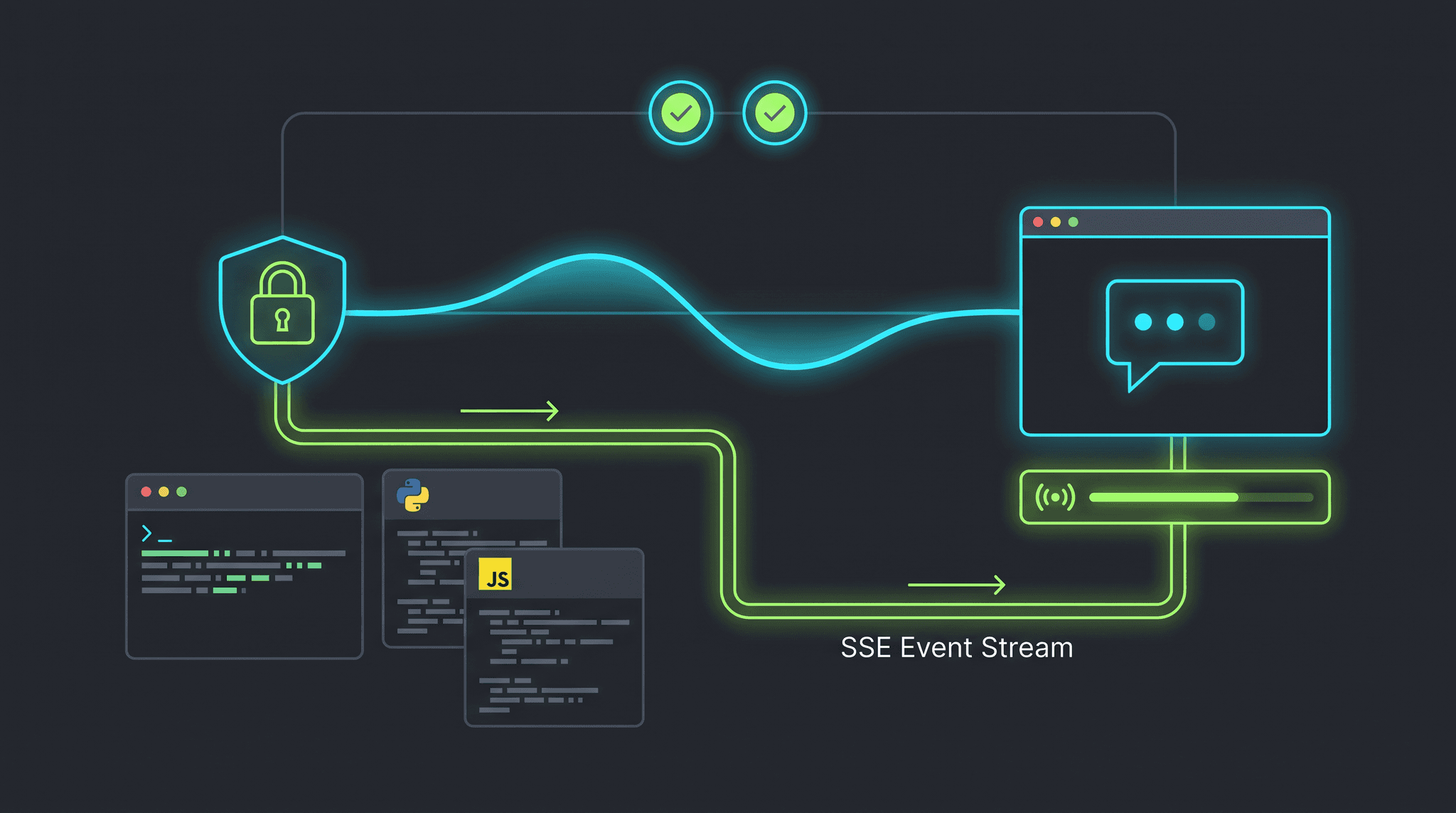
A streaming chat completion SSE implementation sends an AI response to the client as it is generated instead of waiting for the complete response. The browser can render the first token quickly, the user sees progress immediately, and long answers feel interactive rather than stalled. Server-Sent Events (SSE) are a practical fit for language-model output because the server sends a one-way stream while the client listens and updates the interface.
This guide explains how to build streaming chat completion SSE with an OpenAI-compatible API. It covers the request shape, cURL smoke tests, browser JavaScript, Python, event parsing, [DONE] handling, usage accounting, reconnect behavior, proxy buffering, and production observability. The examples use the current OurToken workflow and can be adapted to any compatible route that supports stream: true.
The basic configuration is:
Base URL:   https://api.ourtoken.ai/v1
Endpoint:   https://api.ourtoken.ai/v1/chat/completions
Auth:       Authorization: Bearer YOUR_API_KEY
Model:      gpt-5.6-terra or another available model route
Streaming:  "stream": true
OurToken also exposes model-specific configuration pages. For example, the GPT-5.6 Terra model page lists the current model ID and supported streaming parameter. Check the live model page before production because model availability, limits, and pricing can change.
Verification status: The request patterns in this article were checked against the public OurToken model documentation on 2026-08-13. Run the examples with your own server-side API key.
How Streaming Chat Completion SSE Works
SSE is an HTTP response format designed for a server-to-client event stream. The client opens one long-lived request. The server responds with Content-Type: text/event-stream, then sends events separated by blank lines. Each event commonly contains a data: line with JSON payload, followed by a final data: [DONE] marker.
A non-streaming completion returns one JSON document after generation finishes:
{
  "choices": [
    {
      "message": {
        "role": "assistant",
        "content": "The complete answer appears here."
      }
    }
  ]
}
With streaming enabled, the same answer arrives as incremental chunks. A provider may send a role delta first, content deltas next, and a finish event at the end:
data: {"choices":[{"delta":{"role":"assistant"},"finish_reason":null}]}

data: {"choices":[{"delta":{"content":"The"},"finish_reason":null}]}

data: {"choices":[{"delta":{"content":" answer"},"finish_reason":null}]}

data: {"choices":[{"delta":{},"finish_reason":"stop"}]}

data: [DONE]
The important difference is choices[0].delta.content, not choices[0].message.content. A parser designed only for non-streaming JSON will often show an empty answer even though the stream is working.
SSE is not the same as WebSocket communication. SSE is server-to-client and works over ordinary HTTP, which makes it simple to deploy behind common reverse proxies. The client sends the prompt in the initial request; after that, the server streams generated events back. Use WebSockets when both sides need continuous, bidirectional messages such as collaborative editing or multiplayer state.
Request lifecycle
A reliable streaming request has five stages:
- The client sends
messagesandstream: true. - The API authenticates the request and starts generation.
- The server emits one or more SSE data events.
- The client parses each JSON delta and appends text to the answer.
- The server emits a finish event and
[DONE]; the client closes the stream and records usage.
The stream can fail at every stage. Authentication errors normally arrive as a regular HTTP error before streaming begins. Network failures can occur after several tokens have already been rendered. Production code should preserve the partial answer, show connection state, and avoid blindly duplicating the prompt.
Streaming Chat Completion SSE with cURL
Start with cURL because it removes browser and framework variables from the first test. Store the key in an environment variable and never place a real key directly in source control.
export OURTOKEN_API_KEY="your-key"

curl -N https://api.ourtoken.ai/v1/chat/completions \
  -H "Authorization: Bearer $OURTOKEN_API_KEY" \
  -H "Content-Type: application/json" \
  -d '{
    "model": "gpt-5.6-terra",
    "messages": [
      {"role": "user", "content": "Explain SSE in three short sentences."}
    ],
    "stream": true,
    "stream_options": {"include_usage": true}
  }'
The -N option disables cURL output buffering so events appear as they arrive. Without it, cURL or an intermediate process can buffer output and make a working stream look delayed.
On Windows PowerShell, use curl.exe when you want the native cURL binary rather than the PowerShell alias:
$headers = @{
  Authorization = "Bearer $env:OURTOKEN_API_KEY"
  "Content-Type" = "application/json"
}
$body = @{
  model = "gpt-5.6-terra"
  messages = @(
    @{ role = "user"; content = "Explain SSE in three short sentences." }
  )
  stream = $true
  stream_options = @{ include_usage = $true }
} | ConvertTo-Json -Depth 5

curl.exe -N https://api.ourtoken.ai/v1/chat/completions `
  -H "Authorization: Bearer $env:OURTOKEN_API_KEY" `
  -H "Content-Type: application/json" `
  -d $body
The exact stream event fields can vary between compatible providers. The portable rule is to inspect choices[0].delta.content when it exists, ignore empty deltas, stop on [DONE], and retain the final usage event when the provider includes it.
A common mistake is to parse each physical line as a complete JSON object. SSE frames are separated by a blank line, and an event can contain multiple lines. A correct parser accumulates lines until the blank separator, extracts the data: payload, and then parses the payload.
JavaScript SSE Client for Chat Completions
For a browser application, use fetch() and read the response body as a ReadableStream. EventSource is convenient for a GET endpoint, but a chat completion normally needs a POST body and an authorization header, so fetch() offers more control.
Browser fetch example
async function streamChat(messages, onToken, onComplete, onError) {
  const response = await fetch("/api/chat", {
    method: "POST",
    headers: { "Content-Type": "application/json" },
    body: JSON.stringify({ messages })
  });

  if (!response.ok) {
    const detail = await response.text();
    throw new Error(`Chat request failed: ${response.status} ${detail}`);
  }
  if (!response.body) {
    throw new Error("The browser did not expose a response stream");
  }

  const reader = response.body.getReader();
  const decoder = new TextDecoder();
  let buffer = "";
  let fullText = "";

  try {
    while (true) {
      const { value, done } = await reader.read();
      if (done) break;

      buffer += decoder.decode(value, { stream: true });
      const frames = buffer.split("\n\n");
      buffer = frames.pop() || "";

      for (const frame of frames) {
        const dataLine = frame
          .split("\n")
          .find((line) => line.startsWith("data:"));
        if (!dataLine) continue;

        const payload = dataLine.slice(5).trim();
        if (payload === "[DONE]") {
          onComplete(fullText);
          return;
        }

        const event = JSON.parse(payload);
        const token = event.choices?.[0]?.delta?.content || "";
        if (token) {
          fullText += token;
          onToken(token, fullText);
        }
      }
    }

    onComplete(fullText);
  } catch (error) {
    onError(error, fullText);
    throw error;
  } finally {
    reader.releaseLock();
  }
}
The browser should call your own server route, such as /api/chat, rather than sending the OurToken secret directly to the browser. Your server route stores OURTOKEN_API_KEY, forwards the request, and streams the upstream response back to the client. This protects the key and gives you a place to enforce user quotas, request limits, logging, and model allowlists.
Server proxy example with Node.js
The following Node.js handler forwards a request to OurToken and preserves the streaming response. In a production framework, adapt the response object to the framework’s conventions.
export async function POST(request) {
  const body = await request.json();

  const upstream = await fetch("https://api.ourtoken.ai/v1/chat/completions", {
    method: "POST",
    headers: {
      Authorization: `Bearer ${process.env.OURTOKEN_API_KEY}`,
      "Content-Type": "application/json"
    },
    body: JSON.stringify({
      model: "gpt-5.6-terra",
      messages: body.messages,
      stream: true,
      stream_options: { include_usage: true }
    })
  });

  if (!upstream.ok) {
    return new Response(await upstream.text(), {
      status: upstream.status,
      headers: { "Content-Type": "application/json" }
    });
  }

  return new Response(upstream.body, {
    status: 200,
    headers: {
      "Content-Type": "text/event-stream; charset=utf-8",
      "Cache-Control": "no-cache, no-transform",
      Connection: "keep-alive",
      "X-Accel-Buffering": "no"
    }
  });
}
Do not accidentally parse and reserialize the upstream stream in a way that buffers the entire body. If you need to inspect tokens for moderation or accounting, use a TransformStream and forward each frame as soon as it is processed. Make sure the transform preserves frame boundaries and does not hold the response until the upstream request completes.
Python SSE Streaming Example
Python clients can consume the response line by line with httpx. The iter_lines() method handles network chunks, but your code still needs to recognize data: records and the [DONE] marker.
import json
import os
import httpx


def stream_chat(messages):
    response = httpx.post(
        "https://api.ourtoken.ai/v1/chat/completions",
        headers={
            "Authorization": f"Bearer {os.environ['OURTOKEN_API_KEY']}",
            "Content-Type": "application/json",
        },
        json={
            "model": "gpt-5.6-terra",
            "messages": messages,
            "stream": True,
            "stream_options": {"include_usage": True},
        },
        timeout=None,
    )
    response.raise_for_status()

    full_text = []
    usage = None
    for line in response.iter_lines():
        if not line or not line.startswith("data:"):
            continue

        payload = line[5:].strip()
        if payload == "[DONE]":
            break

        event = json.loads(payload)
        choice = (event.get("choices") or [{}])[0]
        delta = choice.get("delta") or {}
        token = delta.get("content") or ""
        if token:
            full_text.append(token)
            print(token, end="", flush=True)

        if event.get("usage"):
            usage = event["usage"]

    print()
    return "".join(full_text), usage


answer, usage = stream_chat([
    {"role": "user", "content": "Give me a concise SSE deployment checklist."}
])
print("Usage:", usage)
For higher-throughput applications, use httpx.stream("POST", ...) so the connection is explicitly scoped and closed as soon as the stream ends:
with httpx.stream(
    "POST",
    "https://api.ourtoken.ai/v1/chat/completions",
    headers={"Authorization": f"Bearer {os.environ['OURTOKEN_API_KEY']}"},
    json={
        "model": "gpt-5.6-terra",
        "messages": [{"role": "user", "content": "Stream this answer."}],
        "stream": True,
    },
    timeout=None,
) as response:
    response.raise_for_status()
    for line in response.iter_lines():
        if line.startswith("data:"):
            payload = line[5:].strip()
            if payload != "[DONE]":
                event = json.loads(payload)
                print(event.get("choices", [{}])[0].get("delta", {}).get("content", ""), end="", flush=True)
Do not use an aggressive short timeout for a long generation. A connection may be healthy even when no token arrives for several seconds while the model processes a large prompt or tool call. Use an overall request deadline, an inactivity timeout appropriate to your workload, and cancellation when the user leaves the page.
Usage, Errors, and Reconnects
Streaming changes how you handle completion state. A non-streaming request gives you one clear success or failure response. A stream can produce partial success: the user may have received 500 tokens before the network closes. Your UI and logs should distinguish completed, cancelled, and interrupted generations.
Usage accounting
Some compatible routes send a final usage object only when stream_options.include_usage is enabled. Others may return usage in a provider-specific final event. Store usage when present, but keep a fallback counter or mark usage as unavailable instead of inventing token counts.
For cost reporting, record at least:
request_id
model
started_at
first_token_at
completed_at
prompt_tokens
cached_tokens
completion_tokens
finish_reason
http_status
error_type
The time to first token (TTFT) is first_token_at - started_at. The time to final token measures total generation latency. Both are more useful than one average request duration because streaming users experience the first token and the continuing output separately.
Error handling
| Symptom | Likely cause | Action |
|---|---|---|
401 Unauthorized before events | Missing or invalid key | Use Authorization: Bearer YOUR_API_KEY on the server request |
404 Not Found | Wrong path | Use /v1/chat/completions for a Chat Completions route |
model_not_found | Incorrect model string | Copy the exact model ID from the live model page |
| Response arrives all at once | Proxy or framework buffering | Disable buffering and preserve text/event-stream |
| Browser CORS error | Direct cross-origin request | Call your own server proxy and keep the key server-side |
Stream ends without [DONE] | Network interruption or upstream error | Preserve partial text, mark interrupted, and apply bounded retry policy |
| Duplicate answer after retry | Retried a non-idempotent generation | Ask for a new generation or use an application request ID |
A retry after a broken stream can generate a different answer and duplicate visible text. The safest UI behavior is to retain the partial answer, show a retry action, and let the user decide whether to continue or restart. If your application automatically retries, do so only for connection failures and label the new generation clearly.
Reconnection design
SSE has a Last-Event-ID convention, but many language-model APIs do not expose replayable event IDs for token chunks. Do not assume that reconnecting to the same URL will resume generation. Unless the provider explicitly supports resumable streams, a reconnect is a new request.
Use an application-level request ID for observability, not as a guarantee of generation idempotency. Save the prompt, model, and partial output metadata without logging secrets. If a user cancels, cancel the upstream fetch or HTTP request as well; otherwise the gateway may continue generating and consume tokens after the browser has disappeared.
Production Checklist for SSE AI Apps
Before shipping a streaming chat completion SSE feature, verify the full path from the browser to the upstream model:
[ ] API key exists only on the server
[ ] Endpoint and model ID come from the current model page
[ ] Request includes stream: true
[ ] Client parses delta.content, not message.content
[ ] Client handles [DONE]
[ ] Final usage event is stored when available
[ ] Response Content-Type is text/event-stream
[ ] Reverse-proxy buffering is disabled
[ ] Cache-Control is no-cache, no-transform
[ ] Partial output survives a connection error
[ ] Retries are bounded and do not blindly duplicate text
[ ] User cancellation aborts the upstream request
[ ] TTFT and total generation latency are measured
[ ] Authorization headers and prompt secrets are redacted
[ ] Model IDs are allowlisted server-side
If your application compares several models, keep the stream contract stable while selecting the model on the server. The OurToken model directory can help you review available routes, while the LLM model routing guide covers the decision logic for sending simple requests to less expensive routes and complex requests to stronger ones.
Streaming is especially useful for coding assistants, research interfaces, customer support, and long-form generation. It is less useful when the client needs a single atomic JSON object before it can act. For structured outputs, buffer and validate the complete response before triggering a side effect. For a user-facing explanation, stream text immediately; for a payment, database mutation, or tool action, require complete validation first.
Repeated system prompts can also affect cost. If your application sends a large stable prefix on every streamed request, review the OpenAI-compatible prompt caching guide and log cached-token usage separately from uncached input. Streaming improves perceived latency; caching improves repeated-input economics. They solve different parts of the request lifecycle and can be used together.
Conclusion and FAQ
A reliable streaming chat completion SSE implementation has a small core: send stream: true, read text/event-stream, parse data: frames, append choices[0].delta.content, handle [DONE], and preserve partial output when the connection ends unexpectedly. Put the API key behind a server proxy, disable buffering, record first-token latency and usage, and treat reconnection as a new generation unless the provider documents replay support.
When you are ready to test a live route, create a credential through OurToken API Keys, confirm the current model ID and streaming support on the GPT-5.6 Terra model page, and use OurToken Docs for broader endpoint configuration.
FAQ
What is streaming chat completion SSE?
It is a Chat Completions request with stream: true that returns incremental Server-Sent Events instead of one complete JSON response. The client renders each delta.content fragment as it arrives.
What is the difference between SSE and WebSockets for AI streaming?
SSE is a one-way server-to-client stream over HTTP and is usually simpler for generated text. WebSockets provide bidirectional communication and are better when both client and server must continuously exchange events.
How do I parse a streaming chat completion response?
Accumulate SSE frames, extract each data: payload, parse JSON, read choices[0].delta.content, ignore empty deltas, and stop when the payload equals [DONE].
Why does my stream arrive all at once?
The API may be streaming correctly while cURL, a framework, or a reverse proxy buffers the response. Use cURL’s -N, return text/event-stream, set Cache-Control: no-cache, no-transform, and disable proxy buffering.
Can I expose the API key in browser JavaScript?
Keep the key on your server. The browser should call your own /api/chat route, and that route should forward the request with the server-side OurToken credential.
How should I retry an interrupted stream?
Preserve the partial answer and mark the generation interrupted. Unless the API provides replayable event IDs, a retry starts a new generation, so do not append the new answer blindly to the old text.